Skip to content

FREELANCE CONTENT CREATIVE

Hello, I'm Rachael. I work as an editor, journalist, copywriter and marketeer. Pleased to meet you!

  • Welcome
  • About
  • Services
  • Blog
  • Photography
  • Contact
  • Twitter
  • LinkedIn
  • Pinterest
  • Instagram
Search

Tag: Technology

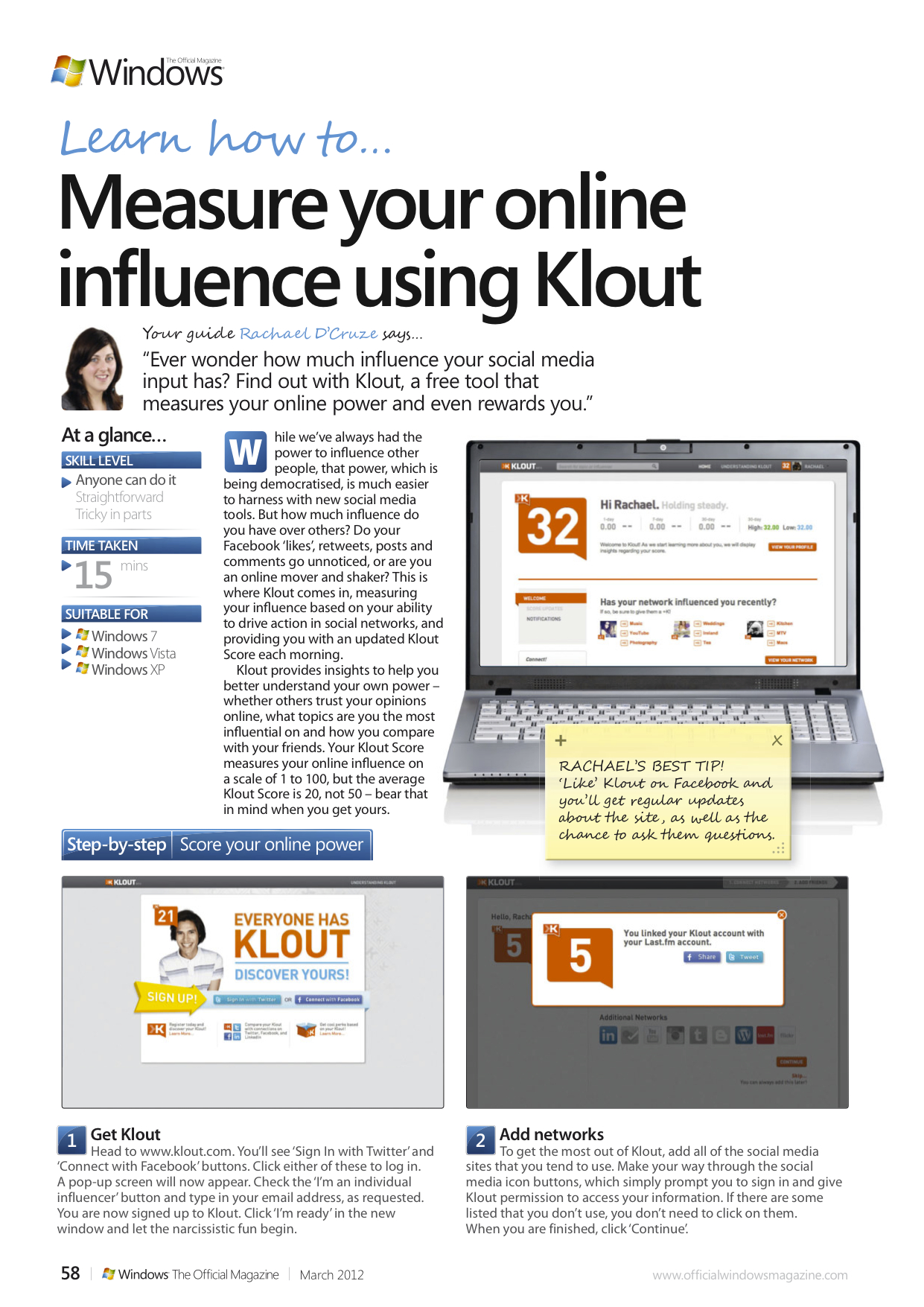
How to…Measure your online influence using Klout

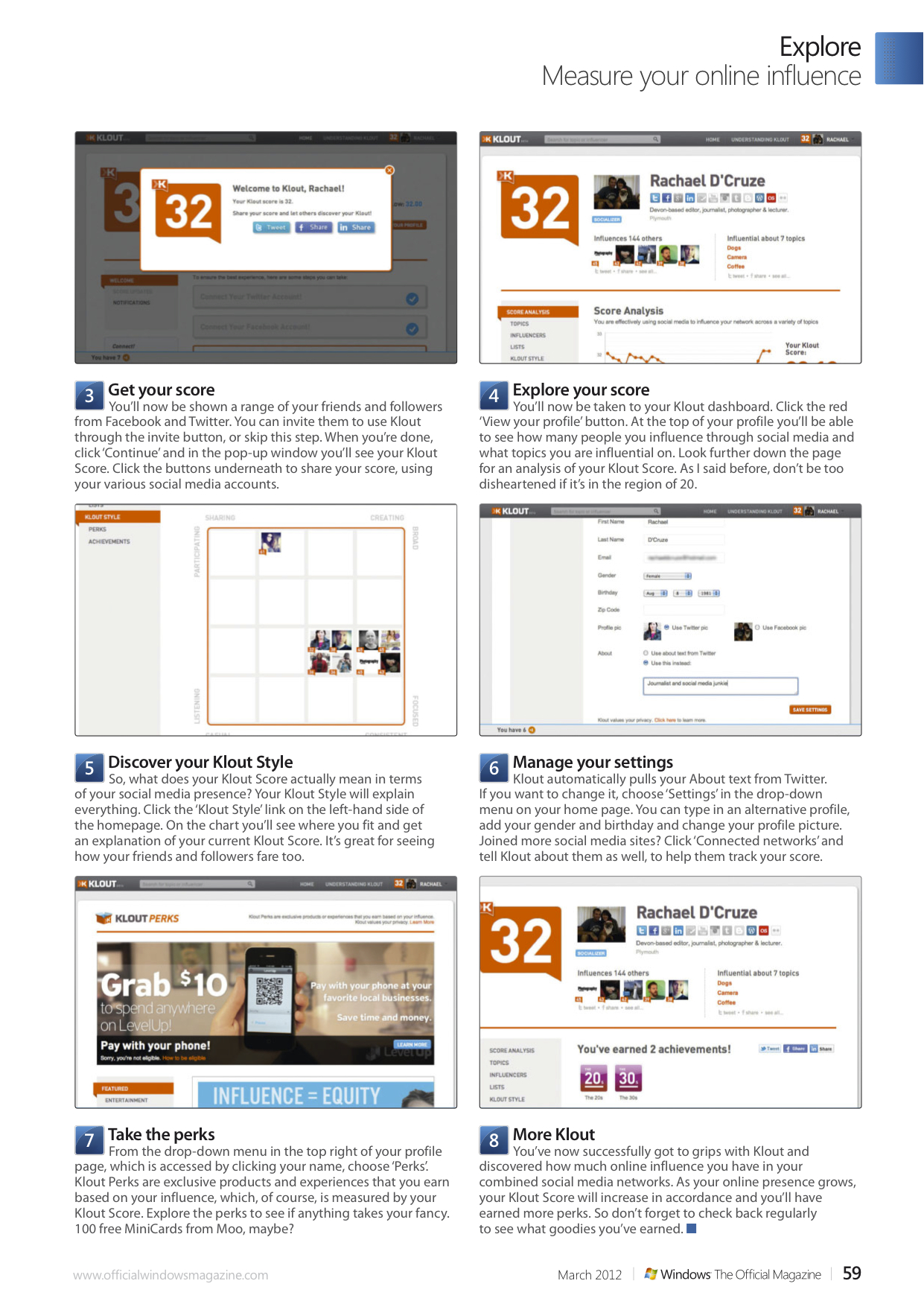
Ever wonder how much influence your social media input has? Find out with Klout, a free tool that measures your online power and even rewards you.

While we’ve always had the power to influence other people, that power, which is being democratised, is much easier to harness with new social media tools. But how much influence do you have over others? Do your Facebook ‘likes’, retweets, posts and comments go unnoticed, or are you an online mover and shaker? This is where Klout comes in, measuring your influence based on your ability to drive action in social networks, and providing you with an updated Klout Score each morning.

Klout provides insights to help you better understand your own power – whether others trust your opinions online, what topics are you the most influential on and how you compare with your friends. Your Klout Score measures your online influence on a scale of 1 to 100, but the average Klout Score is 20, not 50 – bear that in mind when you get yours.

In this tutorial for Windows: The Official Magazine I show you how to get started with Klout.
March 20, 2012

Rachael Sharpe

A tutorial for the shopaholics…

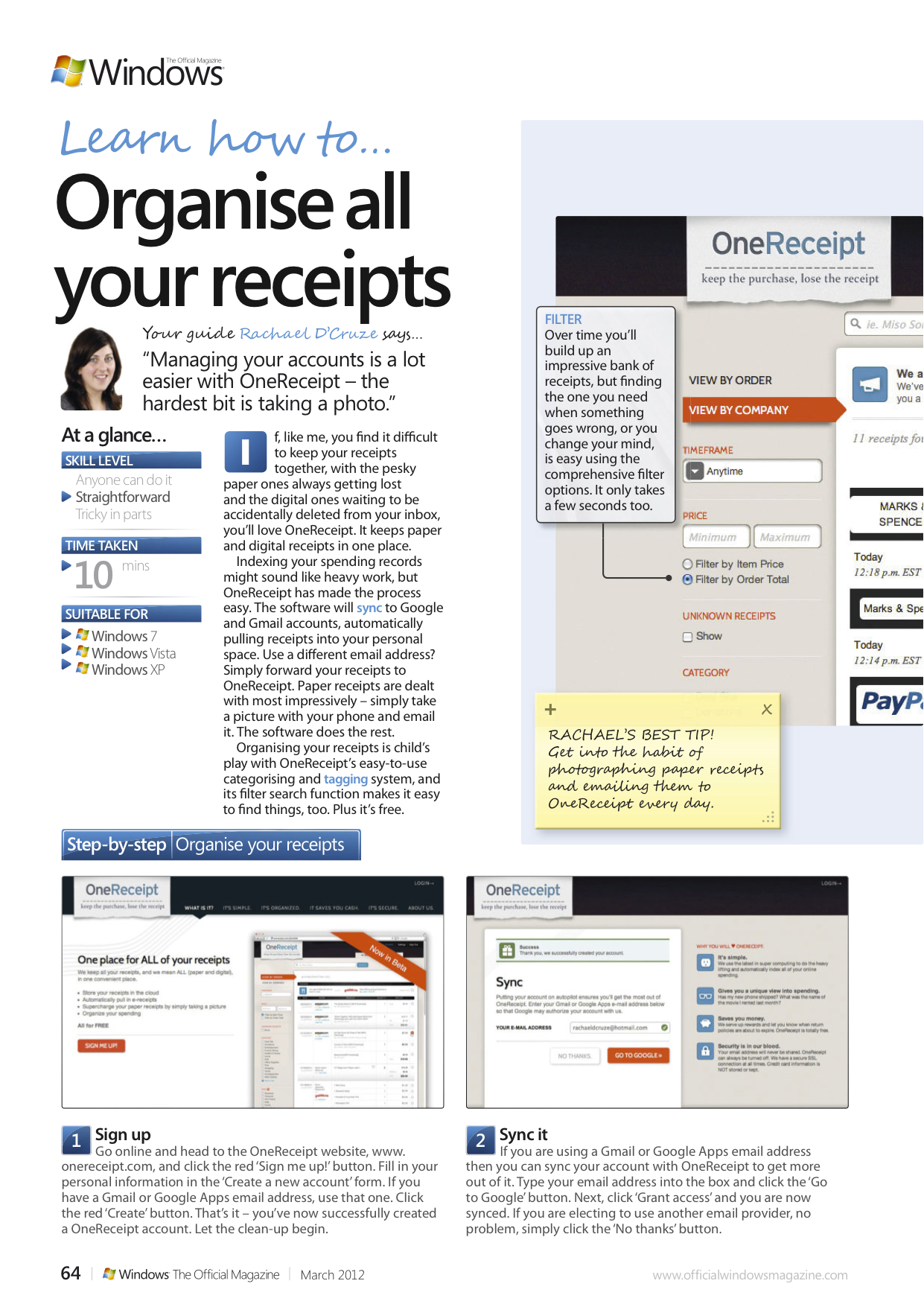
If, like me, you find it difficult to keep your receipts together, with the pesky paper ones always getting lost and the digital ones waiting to be accidentally deleted from your inbox, you’ll love OneReceipt. It keeps paper and digital receipts in one place.

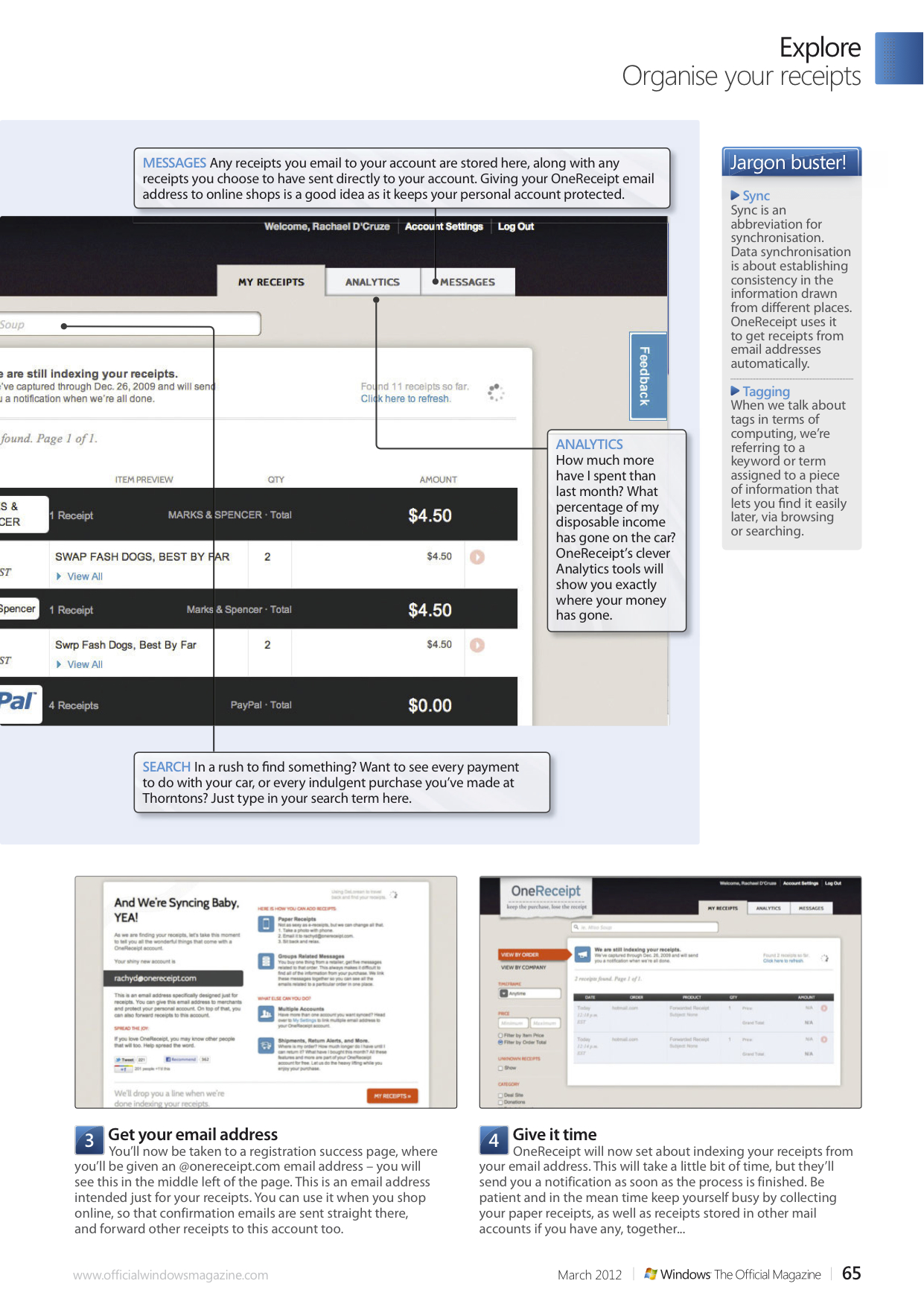
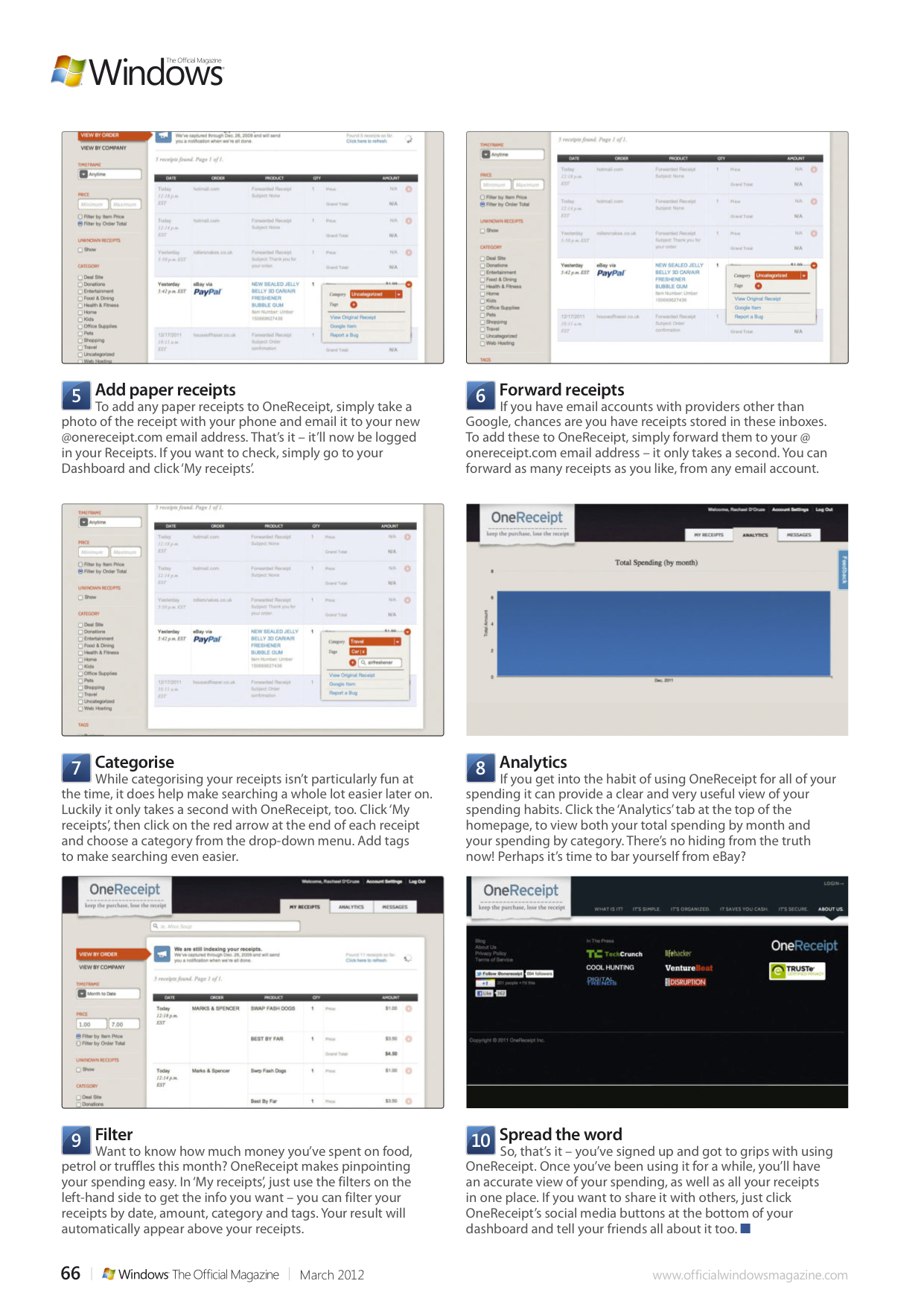
Indexing your spending records might sound like heavy work, but OneReceipt has made the process easy. The software will sync to Google and Gmail accounts, automatically pulling receipts into your personal space. Use a different email address? Simply forward your receipts to OneReceipt. Paper receipts are dealt with most impressively – simply take a picture with your phone and email it. The software does the rest.

Organising your receipts is child’s play with OneReceipt’s easy-to-use categorising and tagging system, and its filter search function makes it easy to find things, too. Plus it’s free. In this feature for Windows: The Official Magazine I show you how to get the most from it.

March 20, 2012March 20, 2012

Rachael Sharpe

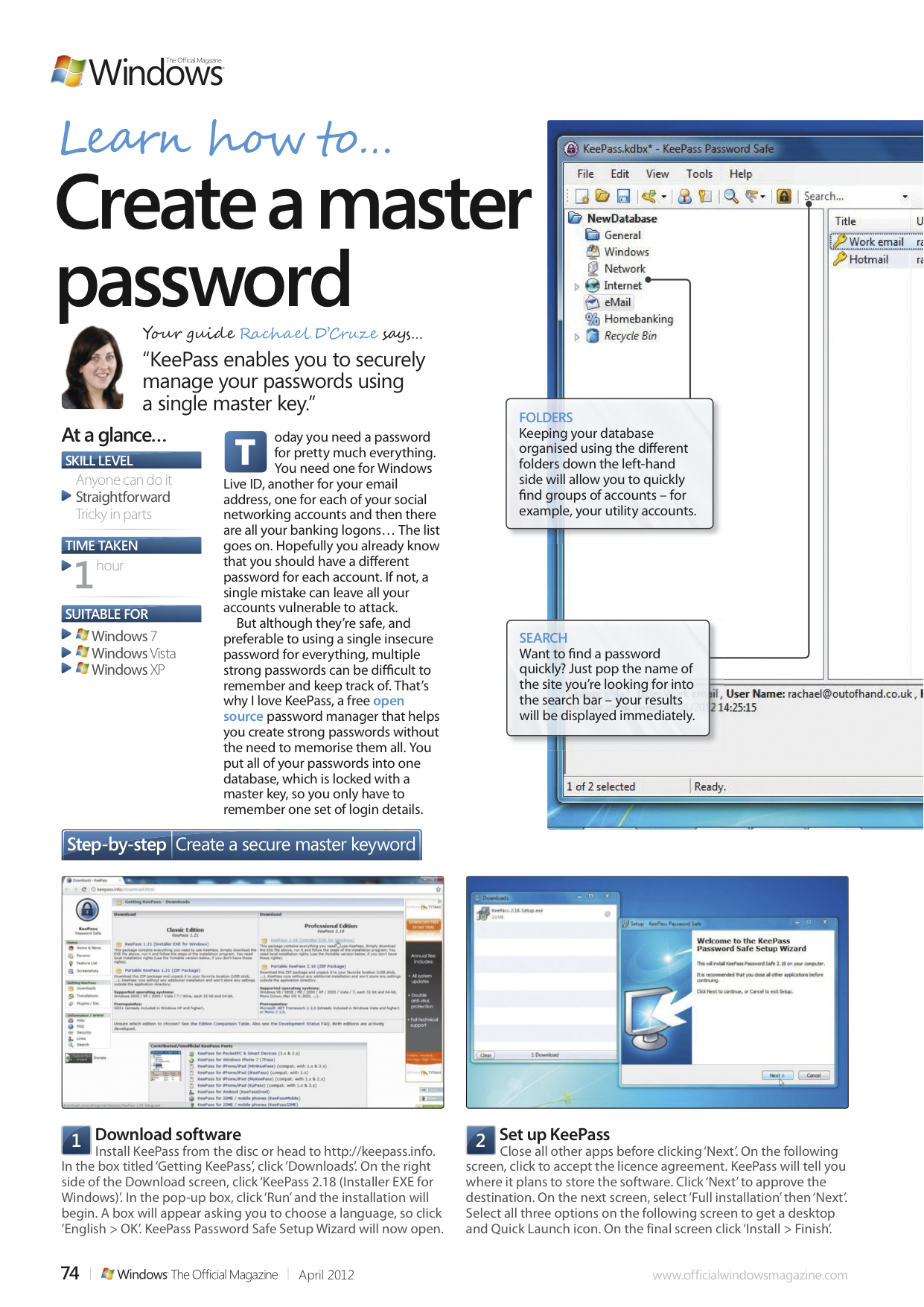
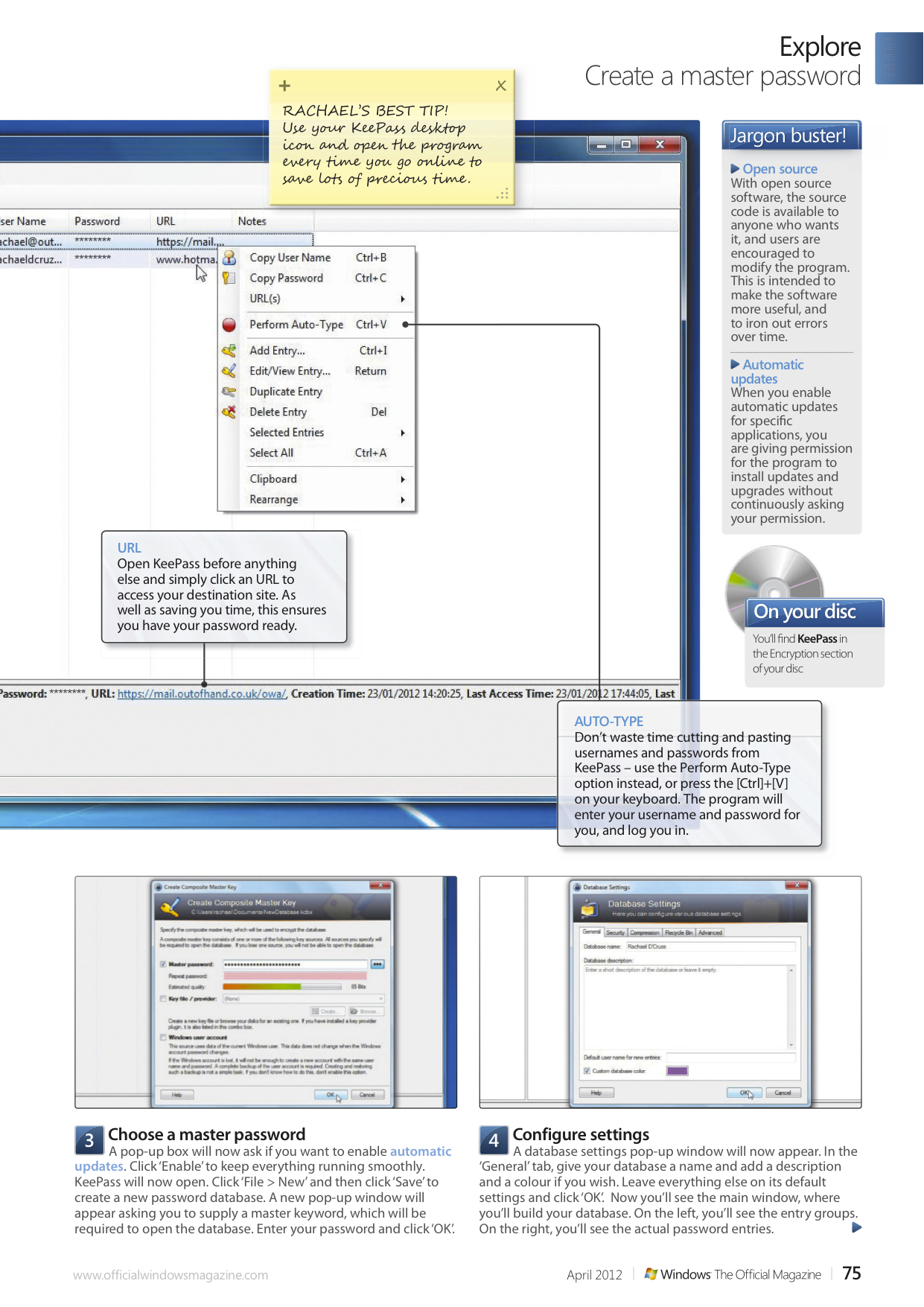
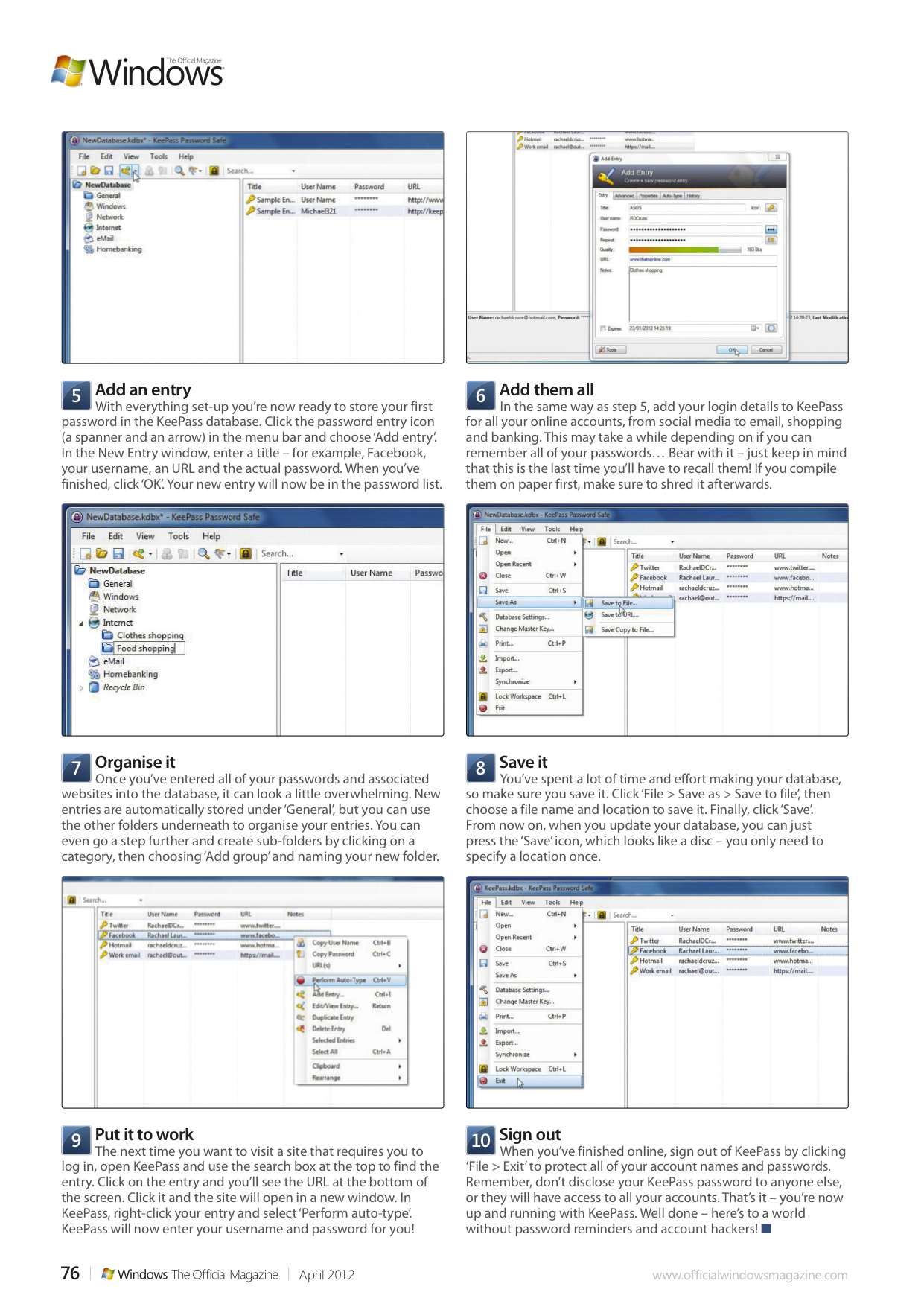
How to… Create a master password

Today you need a password for pretty much everything. You need one for Windows Live ID, another for your email address, one for each of your social networking accounts and then there are all your banking logons… The list goes on. Hopefully you already know that you should have a different password for each account. If not, a single mistake can leave all your accounts vulnerable to attack.

But although they’re safe, and preferable to using a single insecure password for everything, multiple strong passwords can be difficult to remember and keep track of. That’s why I love KeePass, a free open source password manager that helps you create strong passwords without the need to memorise them all. You put all of your passwords into one database, which is locked with a master key, so you only have to remember one set of login details. In this tutorial for Windows: The Official Magazine I show you how.

March 20, 2012

Rachael Sharpe

Fuji FinePix F600EXR review for T3


With it’s 15x zoom, advanced GPS and new Motion detection function, the 16MP FinePix F600EXR certainly looks good on paper, does it take good photos? Find out in my in-depth review for T3.com here.

Here are a few sample images taken with the FinePix F600EXR :

December 1, 2011April 15, 2012

Rachael Sharpe

Leica D-Lux 5 Titanium review for T3


Leica’s brand of luxury cameras has been given a Titanium make-over on its excellent but wallet-smacking D-Lux 5 Titanium. Read my in-depth review over at www.t3.com

Here are a few sample images taken with the D-Lux 5 Titanium:

December 1, 2011

Rachael Sharpe

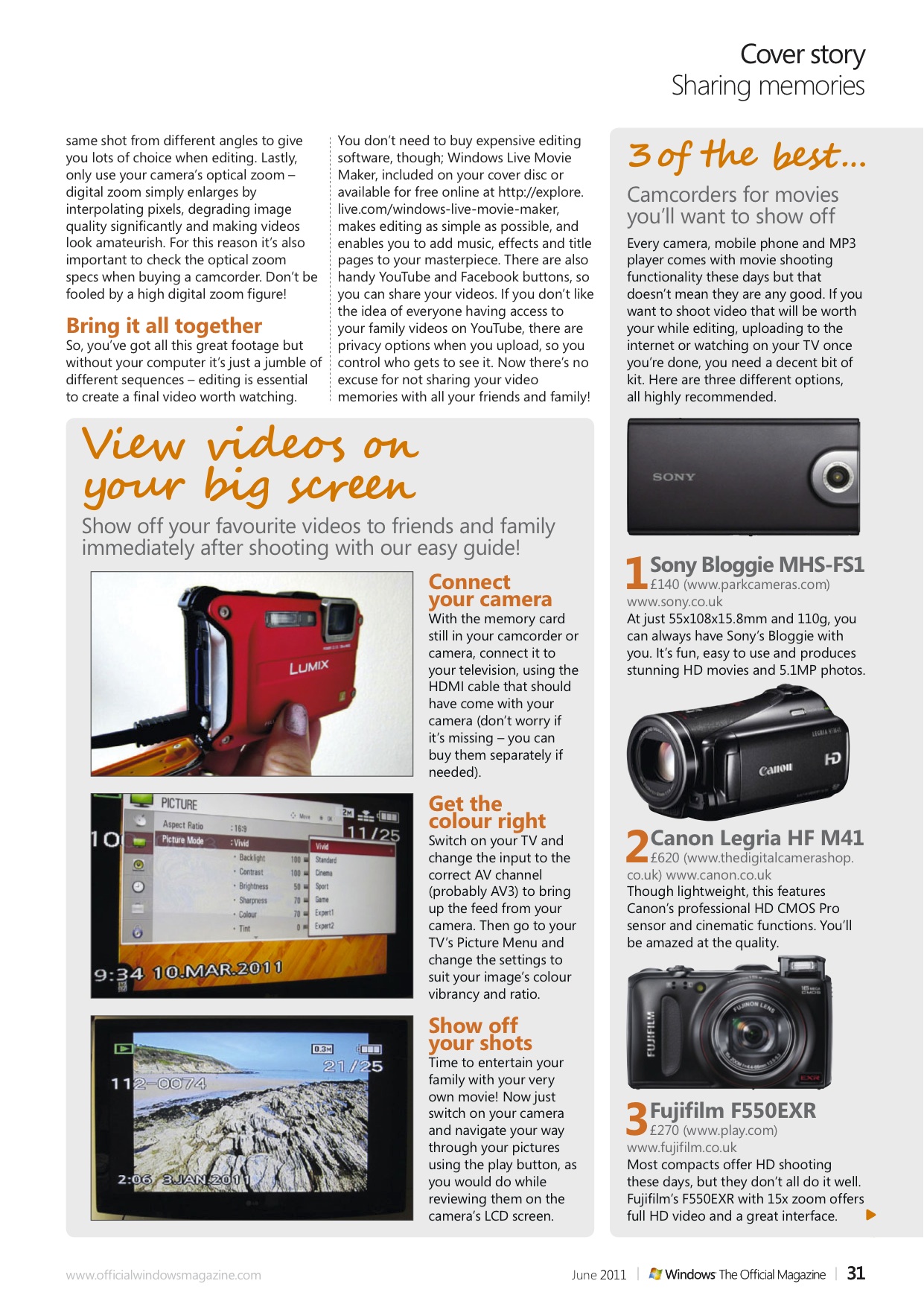
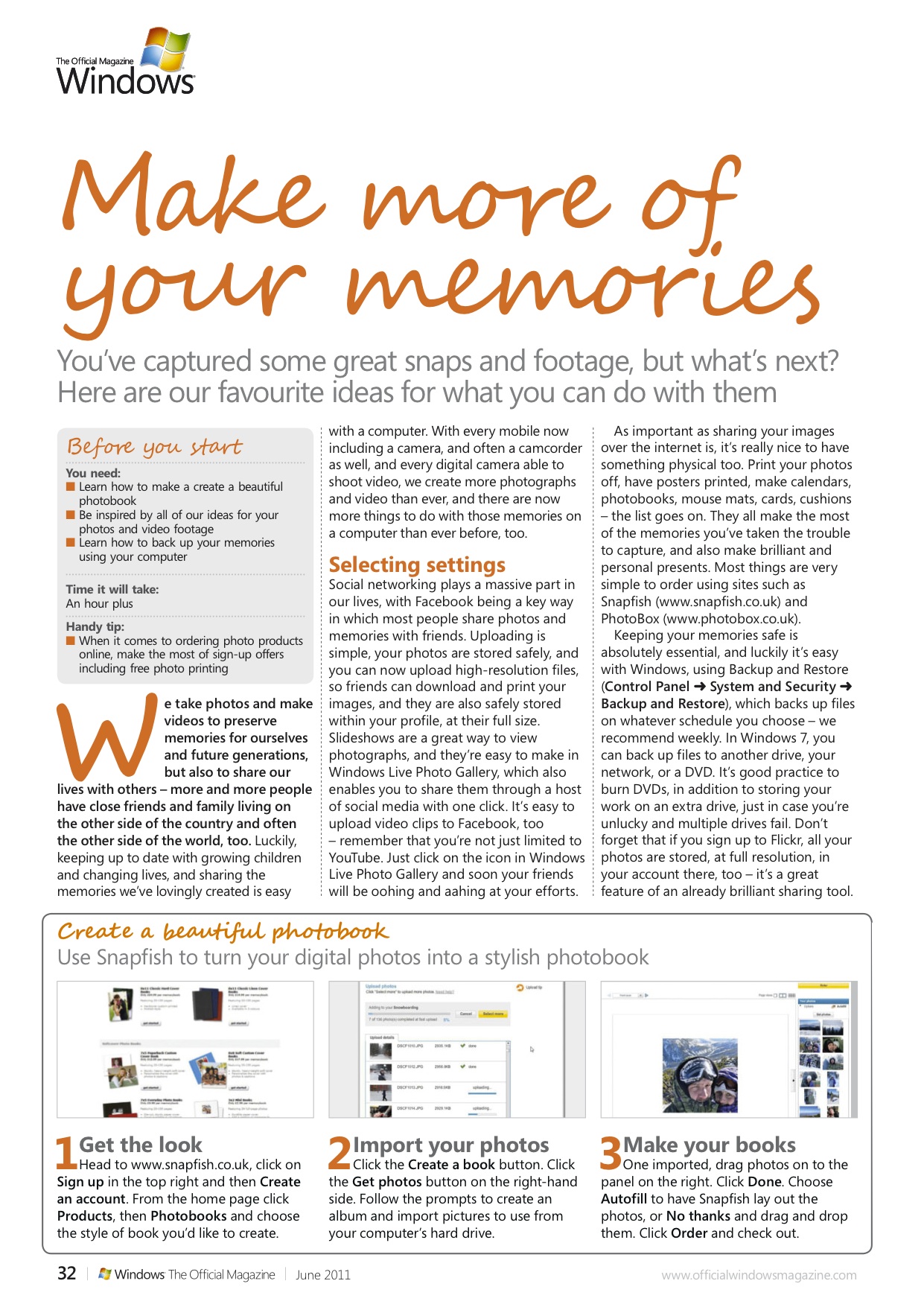
City guide tutorial published in Windows: The Official Magazine

This slideshow requires JavaScript.

Want to know how to create personalised city guides for free? Then you need to read the tutorial I’ve just had published in Windows: The Official Magazine. It’s all about Stay.com, which makes travelling even more enjoyable, enabling you to create custom-made city guides containing everything you want to see and do.


September 9, 2011September 9, 2011

Rachael Sharpe

Improve your language skills: feature published in Windows: The Official Magazine

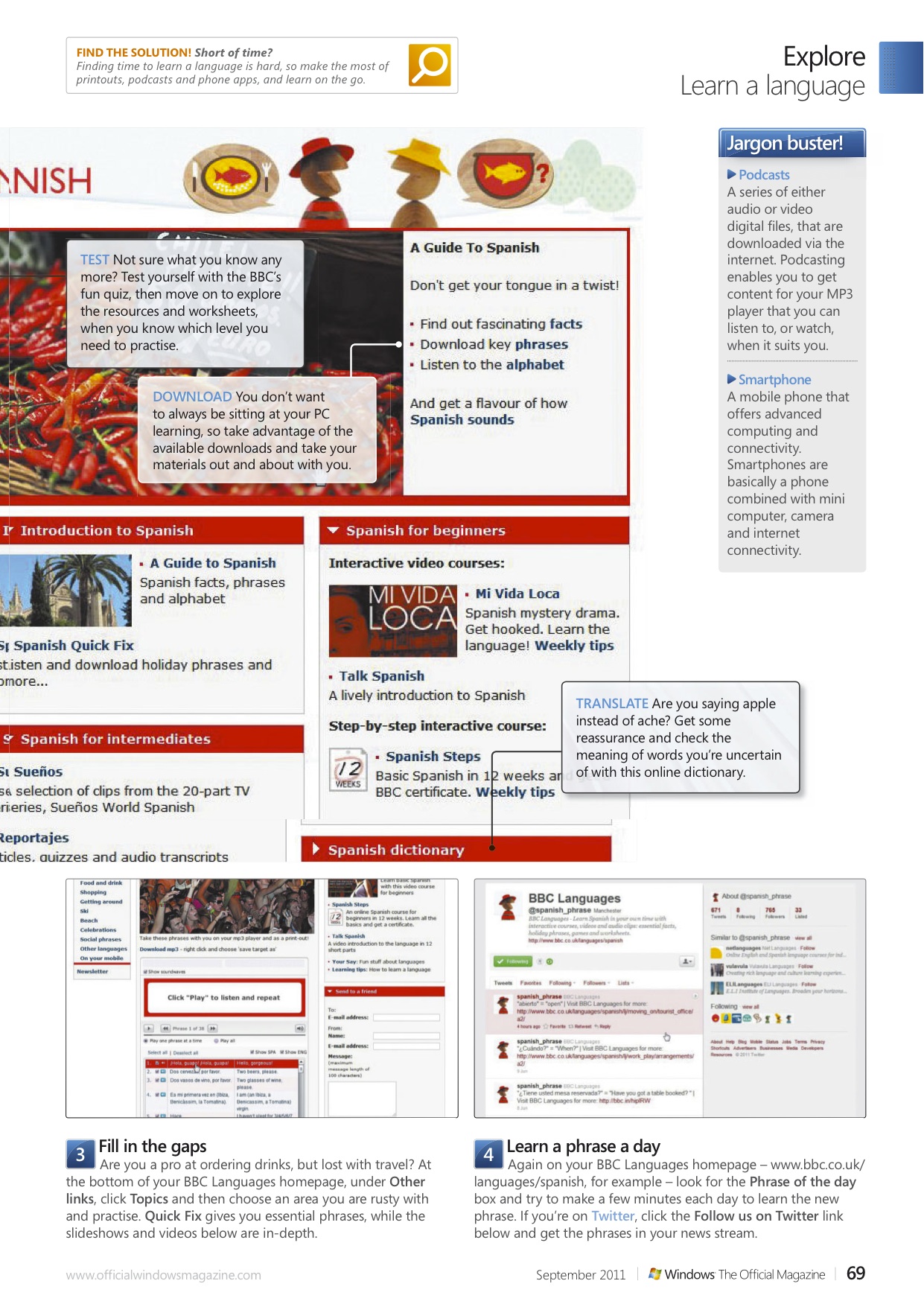
Finding time for language classes is tricky but brushing up on a foreign tongue is easy and free with your PC, I show you how in this tutorial for Windows: The Official Magazine.

July 20, 2011

Rachael Sharpe

Windows 7 search tutorial published in Windows: The Official Magazine

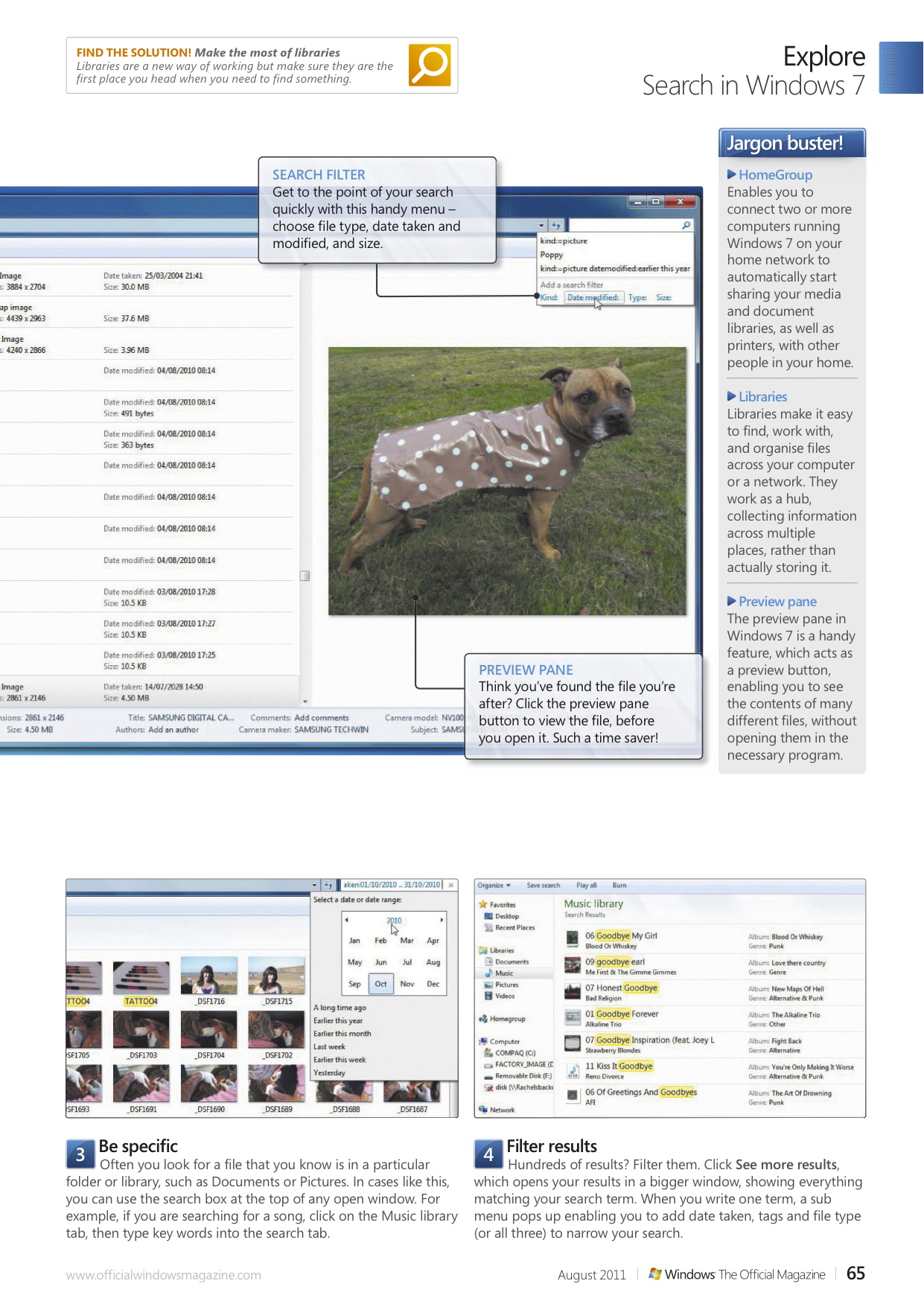
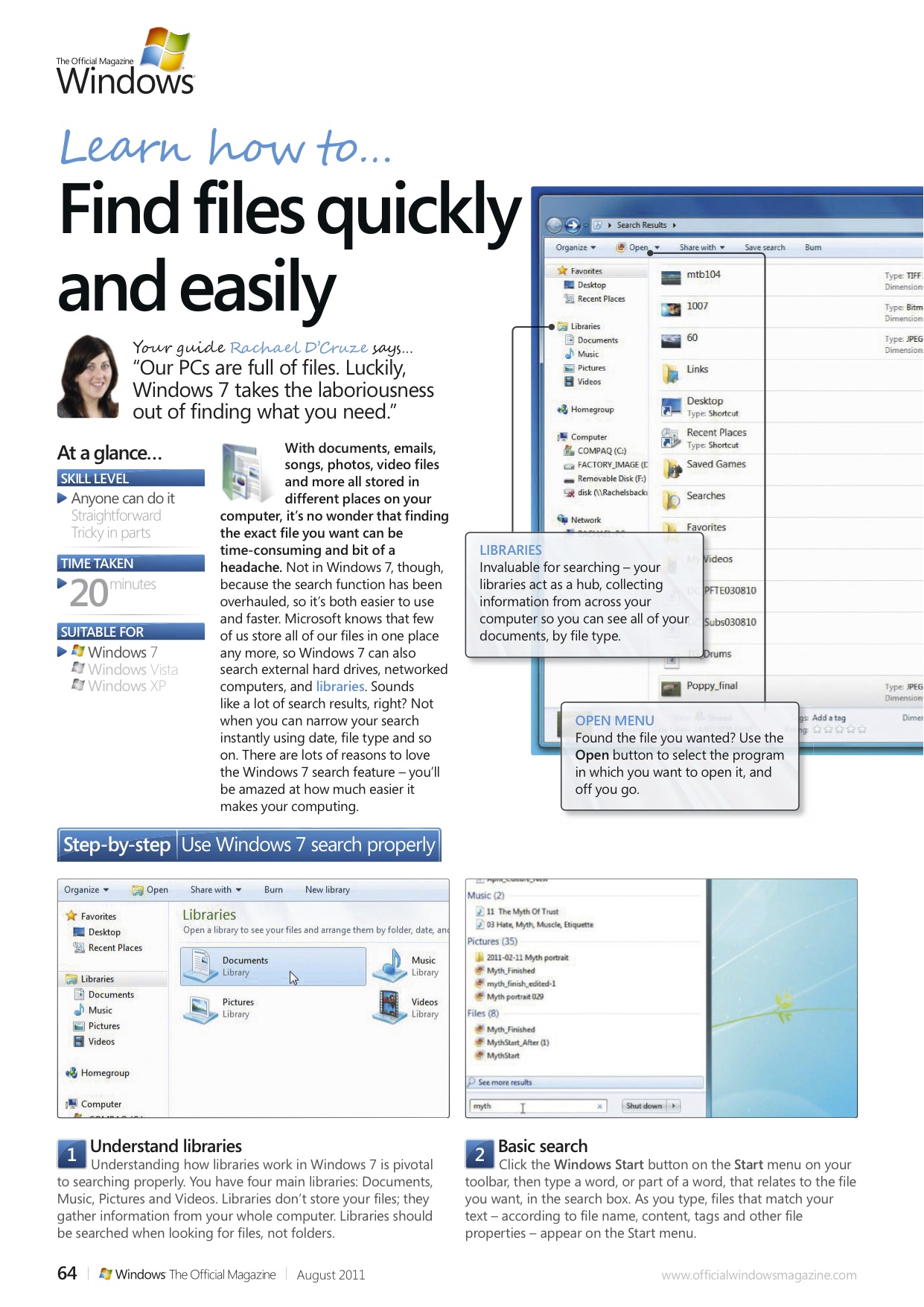
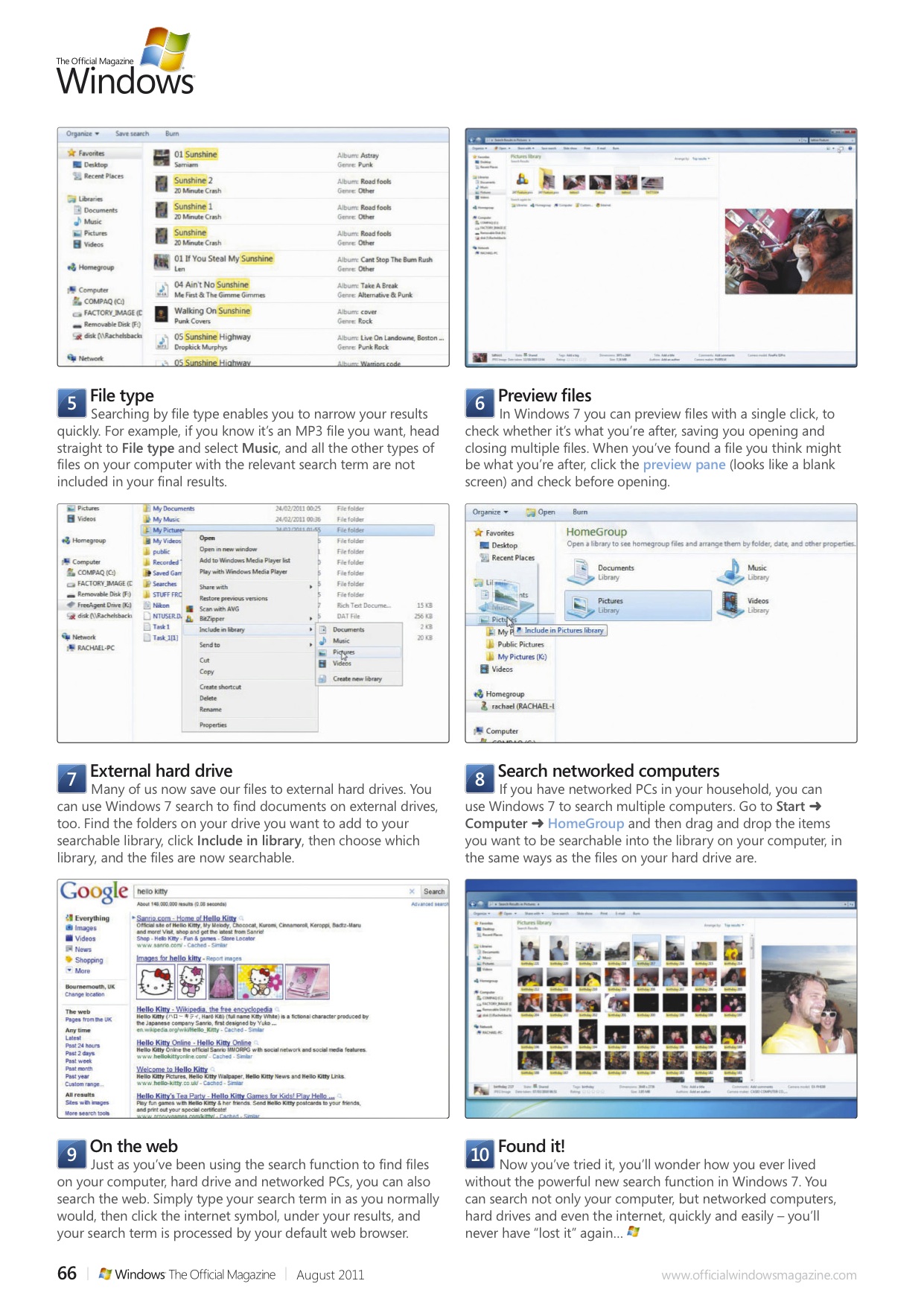
With documents, emails, songs, photos, video files and more all stored in different places on your computer, it’s no wonder that finding the exact file you want can be time-consuming and bit of a headache. Not in Windows 7, though, because the search function has been overhauled, so it’s both easier to use and faster. Microsoft knows that few of us store all of our files in one place any more, so Windows 7 can also search external hard drives, networked computers, and libraries. Sounds like a lot of search results, right? Not when you can narrow your search instantly using date, file type and so on. There are lots of reasons to love the Windows 7 search feature – you’ll be amazed at how much easier it makes your computing.

July 20, 2011

Rachael Sharpe

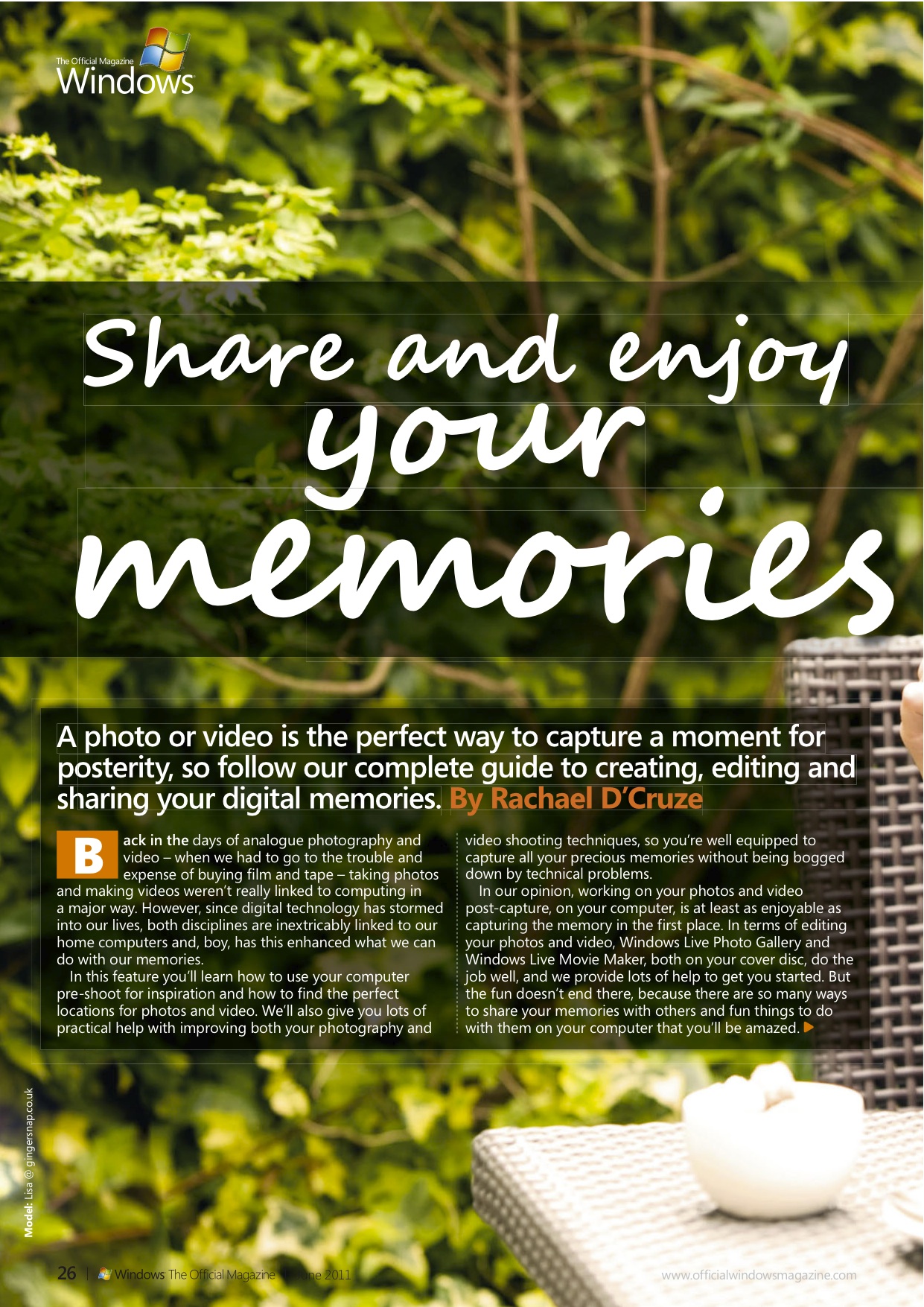
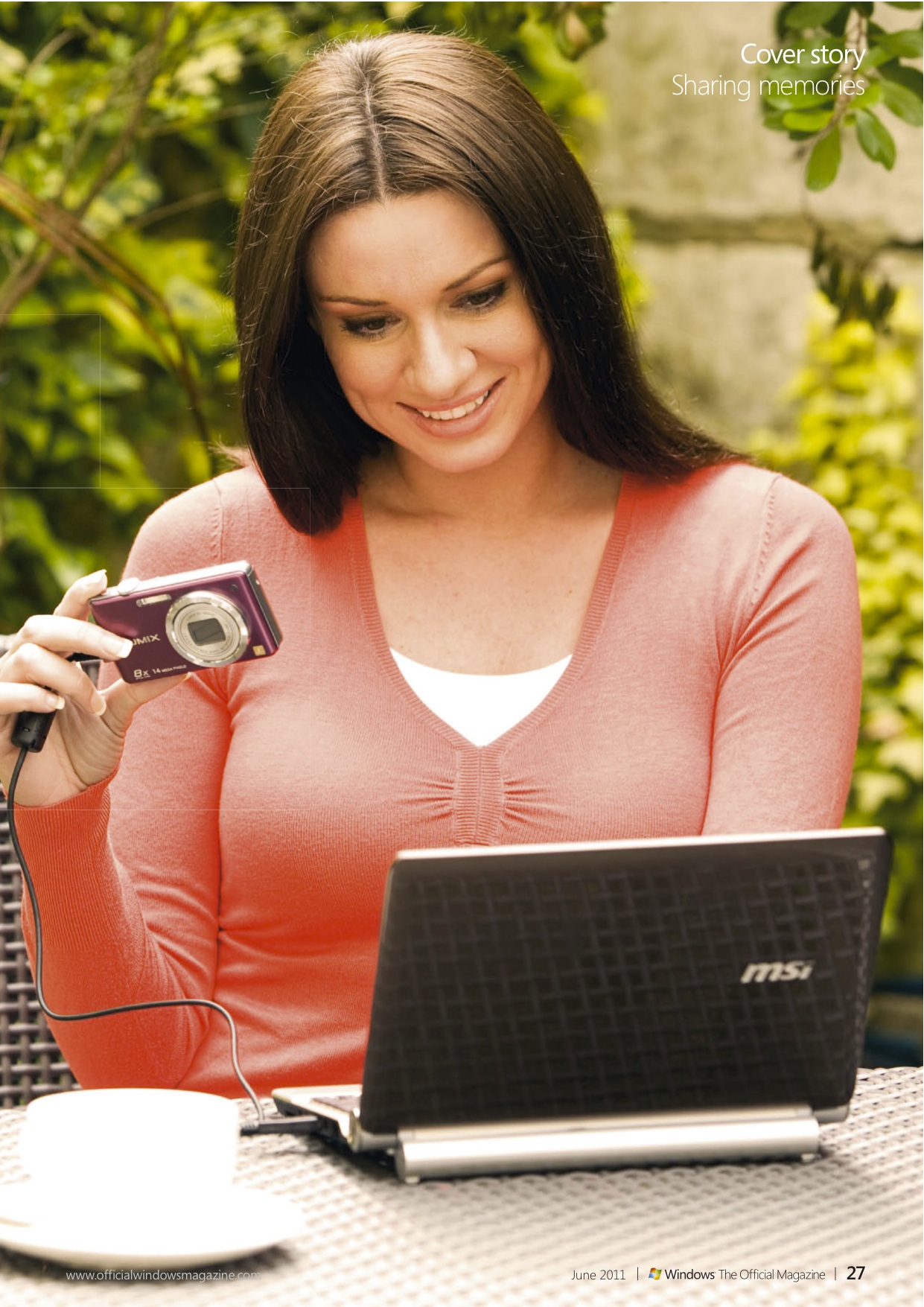
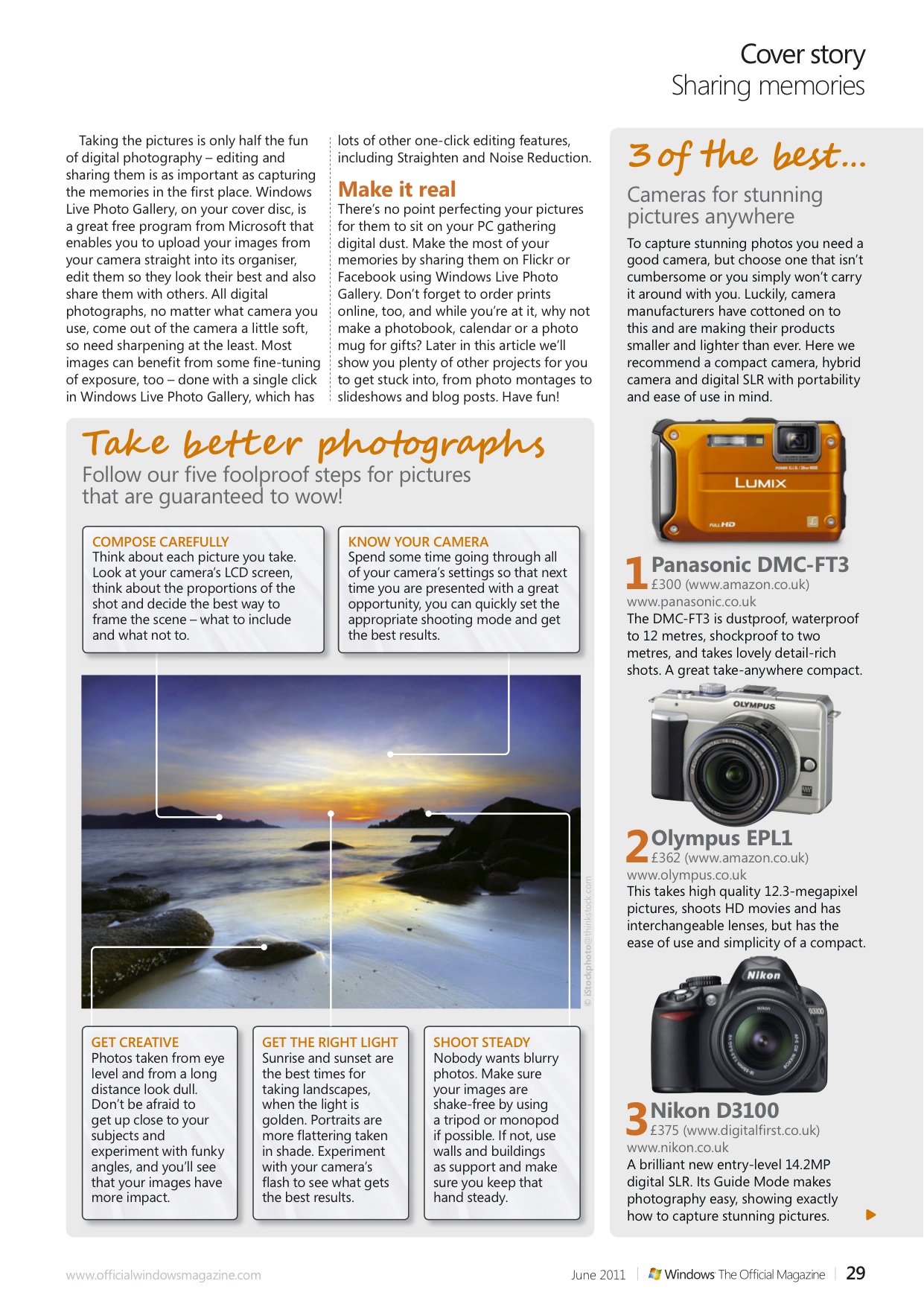
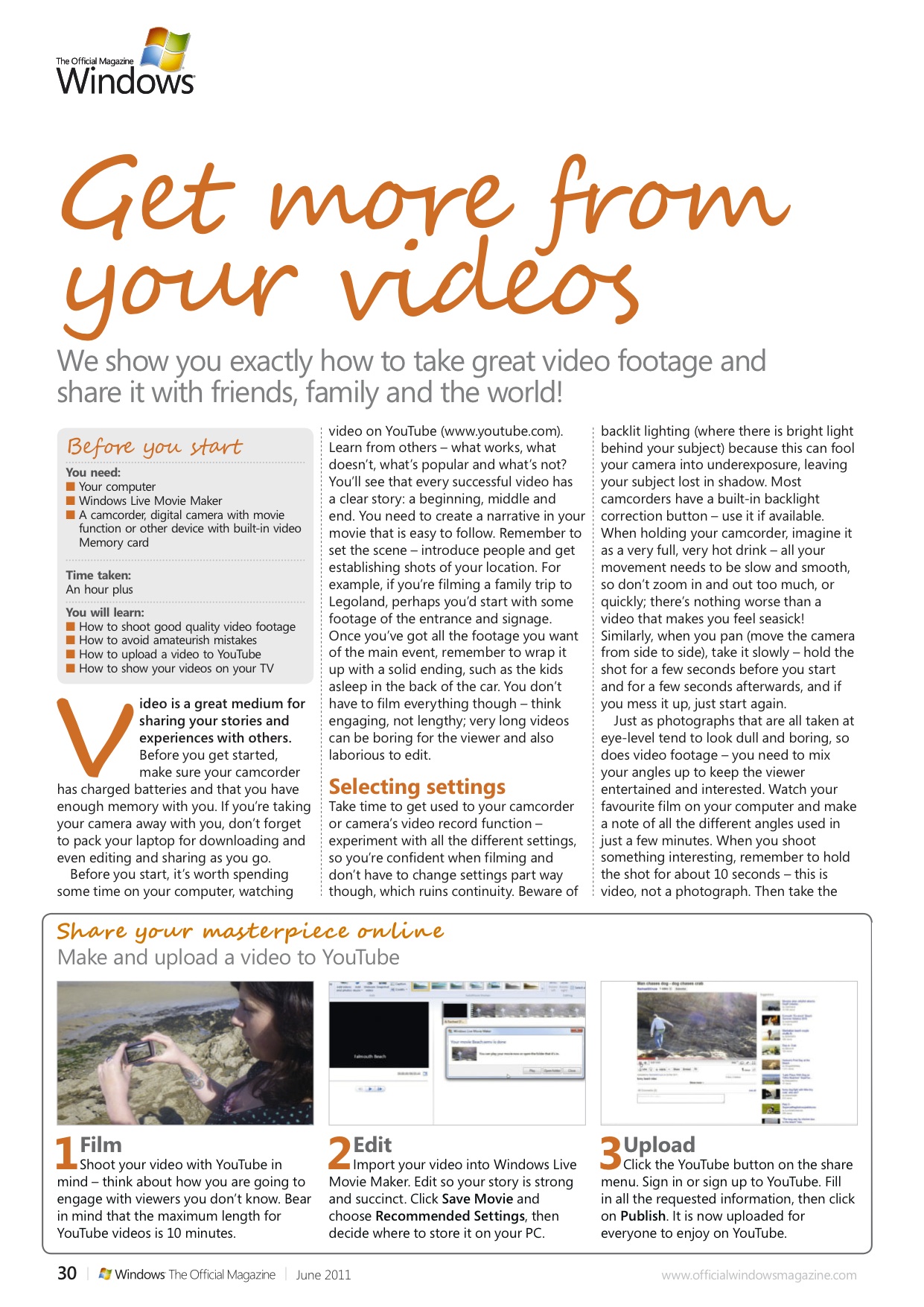
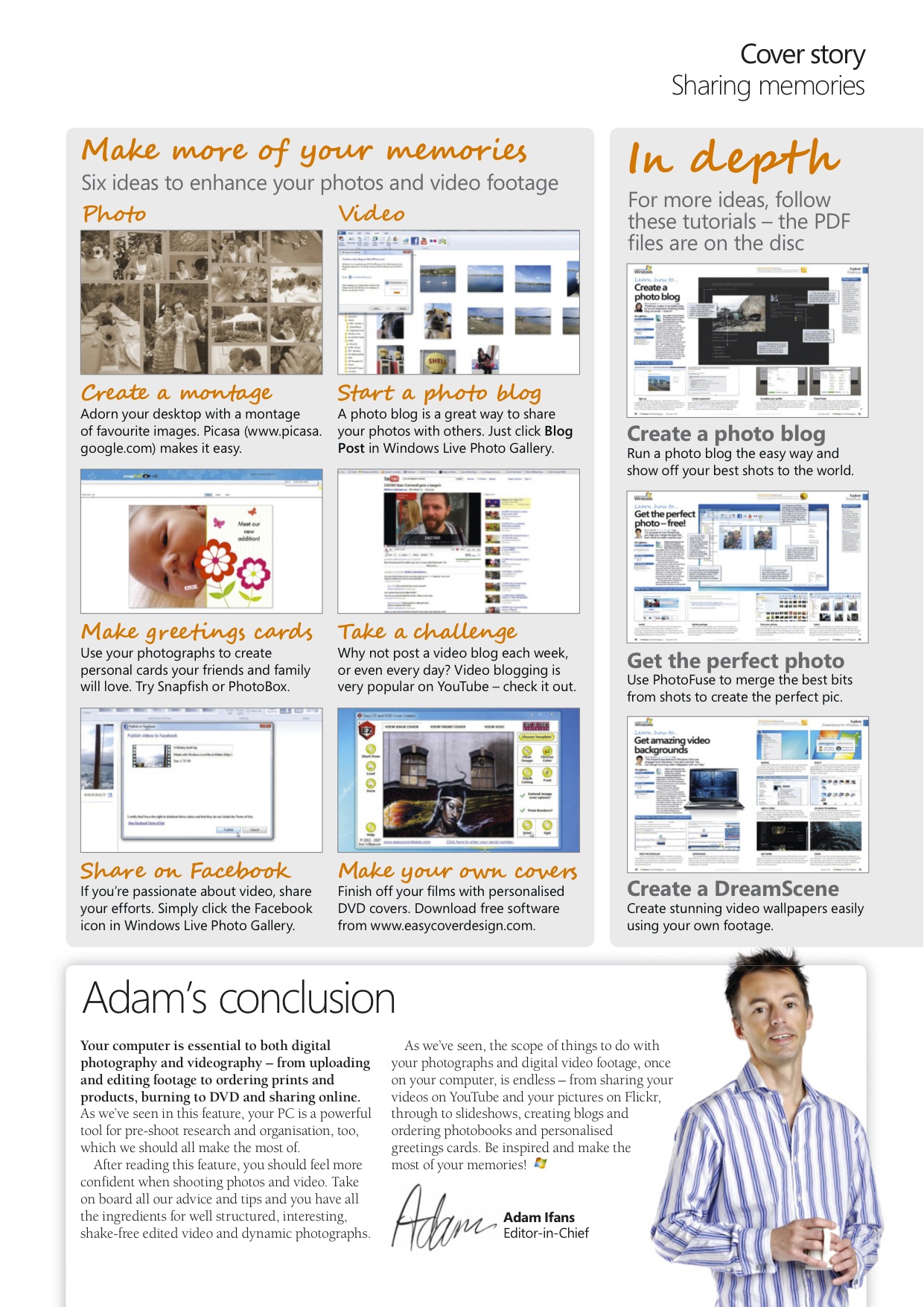
Share and enjoy your memories – 8 page cover feature

A photo or video is the perfect way to capture a moment for posterity, in my eight page guide to creating, editing and sharing your digital memories I show Windows: The Official Magazine readers how best to share and enjoy their memories.

May 13, 2011

Rachael Sharpe

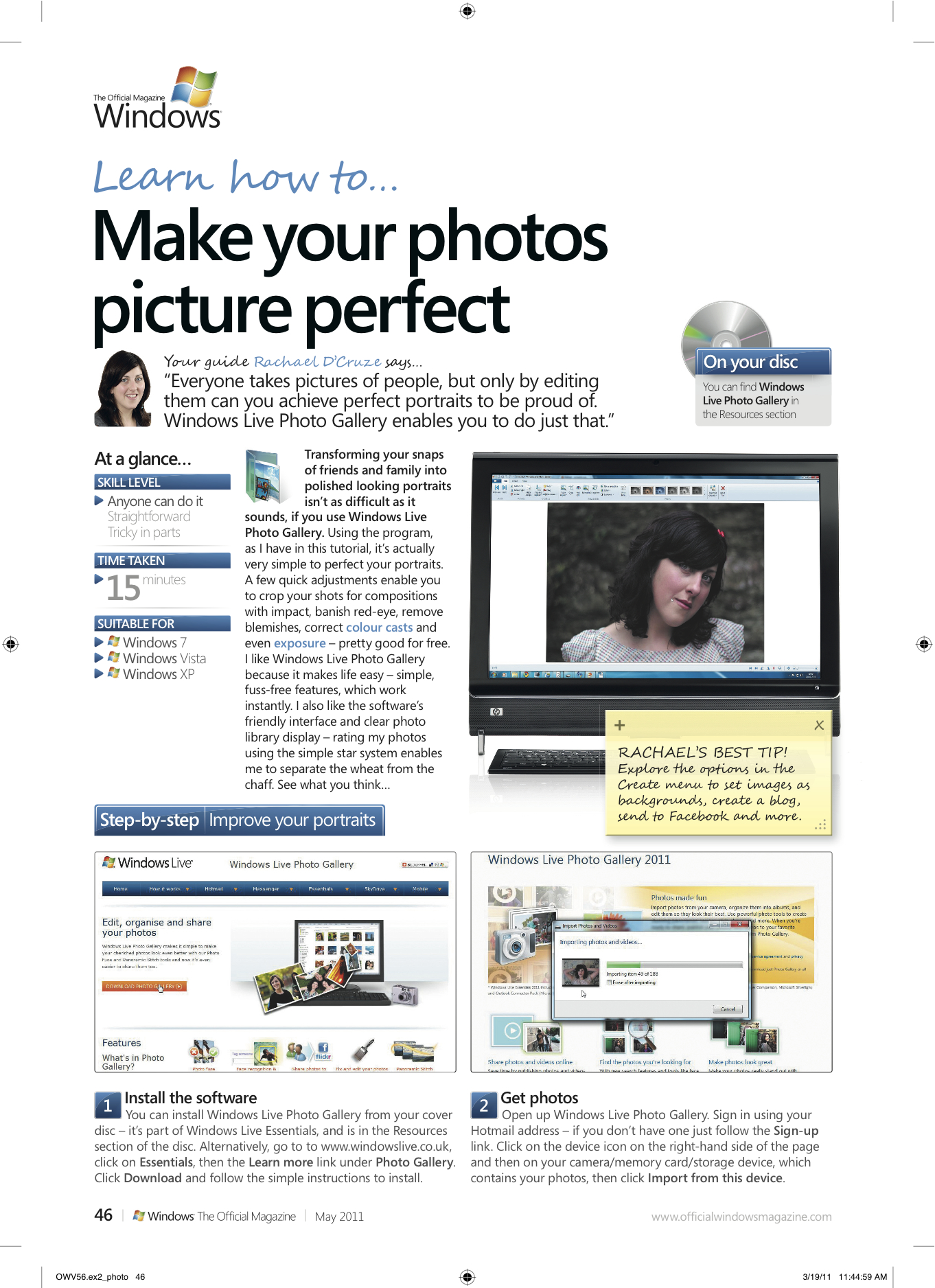
Photo Editing tutorial published in Windows: The Official Magazine

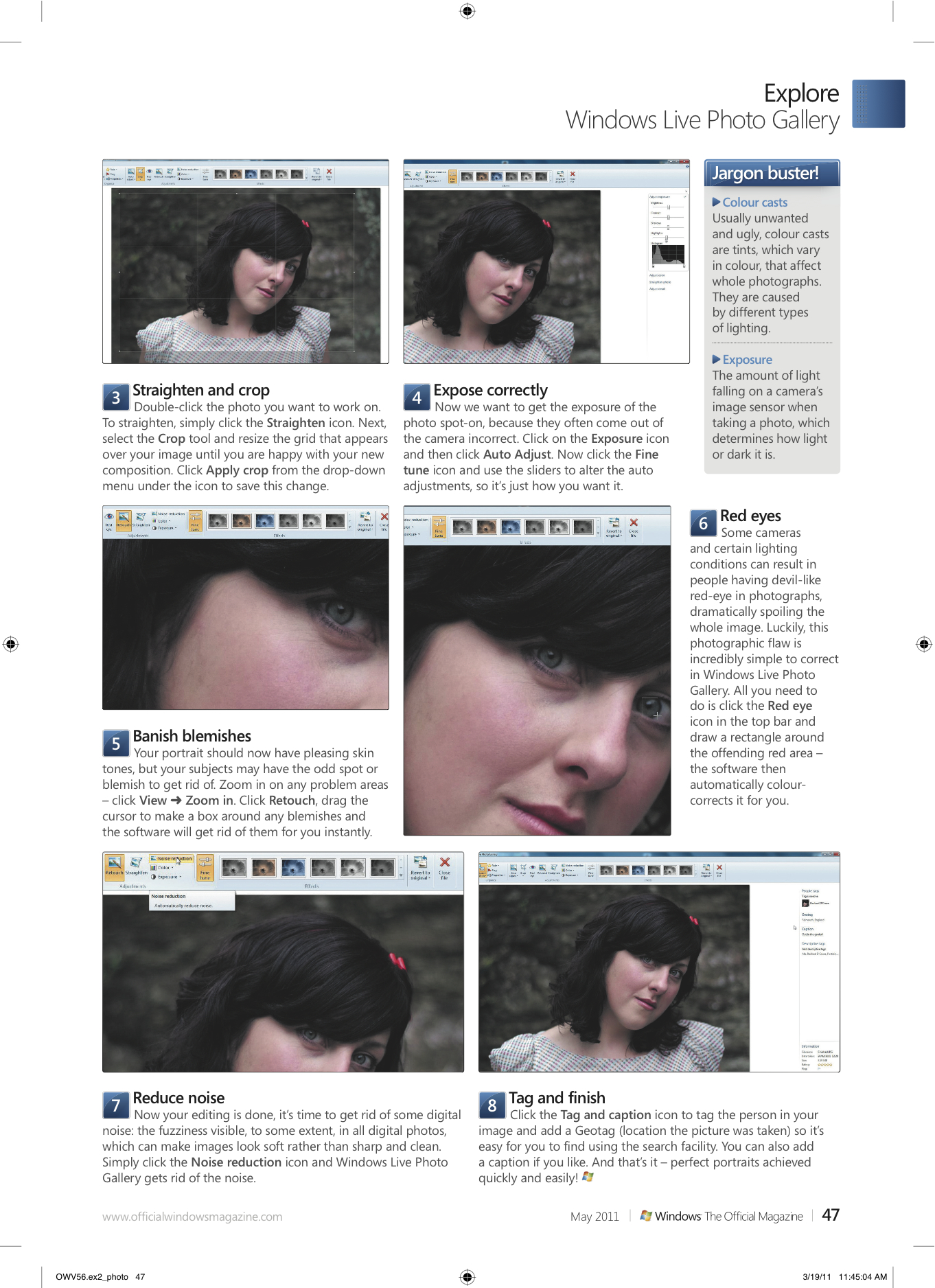
Everyone takes pictures of people, but only by editing them can you achieve perfect portraits to be proud of. The good news is you don’t need expensive photo editing software to make effective adjustments, Windows Live Photo Gallery is perfectly capable. A few quick adjustments enable you to crop your shots for compositions with impact, banish red-eye, remove blemishes, correct colour casts and even exposure – pretty good for free. I show Windows: The Official Magazine readers how to perfect their portraits…

May 12, 2011

Rachael Sharpe

Posts navigation

Older posts
Newer posts

Enter your email address to follow this blog and receive notifications of new posts by email.

Join 184 other subscribers

Looking for something?

most recent Blog post

a shore thing

This summer I met Brendan Rawlings of Zen Wood Design and discovered his astonishing driftwood art. Below is the finished piece, published in Exeter Life.

September 30, 2020

Rachael Sharpe

Create a free website or blog at WordPress.com.
Privacy & Cookies: This site uses cookies. By continuing to use this website, you agree to their use.
To find out more, including how to control cookies, see here: Cookie Policy
  • Subscribe Subscribed
    • FREELANCE CONTENT CREATIVE
    • Join 184 other subscribers
    • Already have a WordPress.com account? Log in now.
    • FREELANCE CONTENT CREATIVE
    • Subscribe Subscribed
    • Sign up
    • Log in
    • Report this content
    • View site in Reader
    • Manage subscriptions
    • Collapse this bar
 

Loading Comments...